How Can We Help?
What to do when you log into the website – Where do I start
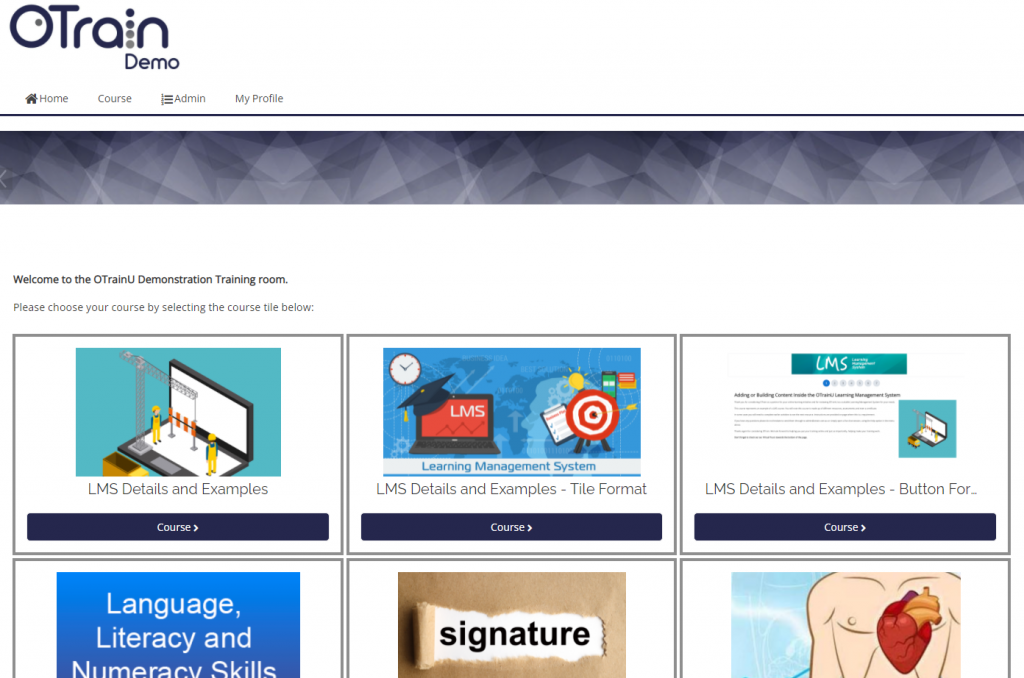
Once logged in, please click the course on the home page to start doing the training. The courses are the tiles that can be seen once you logged in or when you click home.
Please check the image below to see how it would look like
After you clicked the course, please read the notes and instructions carefully, the details about the course and what to do can be seen on the instructions, you may need to scroll down to see them.
If you cant see the course on the home page, please click the “Need Help” button on the training website bottom right corner and give us a chat. Our chat support team will assist you.
Our Chat Support is available 7am-7pm Mon-Fri (QLD time)